Why booking matters
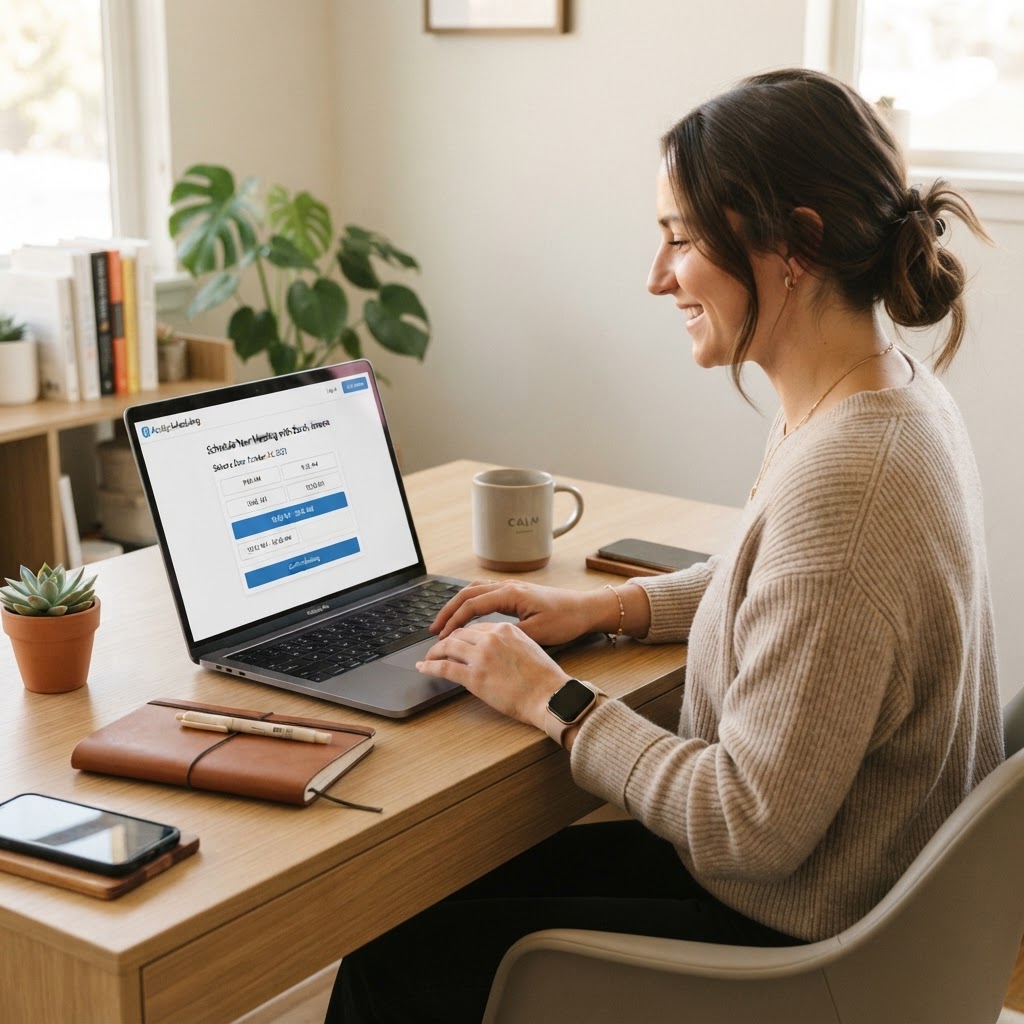
Every lead that can't easily book a time is a lead that drifts away. A connected calendar lets people pick a slot themselves — no email ping-pong, no phone tag. Add automated reminders and you cut no-shows in half. This guide sets up a booking flow that turns interest into a confirmed meeting in under a minute.
- Self-serve booking removes scheduling friction
- Reminders cut no-shows dramatically
- One link works for every lead source
- Your availability updates in real time
Connect your calendar
Start by linking your Google or Outlook calendar so Hero Monday knows when you're free. Bookings block your real calendar instantly — no double-booking, no manual syncing. If you use separate calendars for work and personal, connect the work one and set your availability to match its hours.
- Go to Calendar → Integrations → Connect Google/Outlook
- Authorize and pick the calendar to sync
- Set your working hours and timezone
- Confirm bookings appear on your real calendar
Create a booking event
A booking event is a shareable meeting type — '15-min intro call', '60-min demo'. Set the duration, the buffer before and after, and how far in advance people can book. Give it a clear name; this is what your leads see. You can have several events for different meeting types.
- Calendar → Booking events → New event
- Set duration (start with 15 or 30 minutes)
- Add a 5–10 minute buffer between meetings
- Limit booking to 2–4 weeks ahead to stay flexible
Turn on reminders
Reminders are the single biggest no-show reducer. Send one the day before and one an hour before. Keep them short: name, time, and a reschedule link. A reschedule link matters as much as the reminder — people who can't make it will reschedule instead of ghosting if it's one tap.
- Enable reminders on the booking event
- Send one 24 hours before and one 1 hour before
- Always include a one-tap reschedule link
- Send reminders by SMS when you have the number
Share the link everywhere
Your booking link is now a permanent URL — put it anywhere a lead might be ready to meet. Add it to your funnel thank-you page, your email signature, your nurture sequences, and your contact page. One link, every channel. Update the event and every link updates with it.
- Copy the booking link from the event
- Add it to funnel thank-you pages and nurture emails
- Put it in your email signature
- Use the same link across every channel
Pro tip: always include a reschedule link
Most no-shows aren't rude customers — they're people whose plans changed and who couldn't find an easy way to move the meeting. A one-tap reschedule link in every reminder turns would-be no-shows into reschedules, and reschedules often still happen.
Common mistakes to avoid
No buffer between meetings
Back-to-back meetings with no buffer burn you out and guarantee you'll be late. A 5–10 minute buffer keeps you present and on time.
Booking too far ahead
Letting people book 3 months out fills your calendar with meetings that get canceled. Cap it at 2–4 weeks so bookings stay relevant and fresh.
Forgetting the reschedule link
A reminder without a way to reschedule just creates guilt and a no-show. Always pair the reminder with a one-tap reschedule option.